About Contact

Customize and Control the Glowing Apple Logo on the New MacBook Pro

Customize and Control the Glowing Apple Logo on the New MacBook Pro

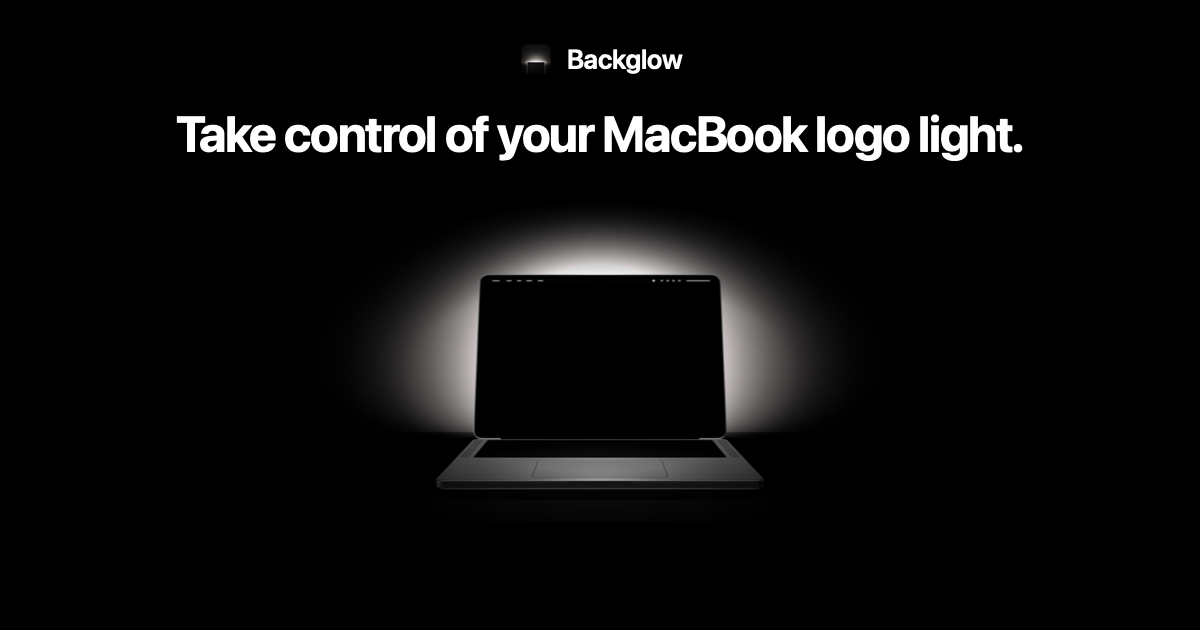
Backglow lets you dim the MacBook Pro's glowing logo, and $9 syncs it to music

Backglow is a free Mac app that dims or turns off the MacBook Pro's glowing Apple logo. A $9 Pro upgrade pulses it to music or blinks when Claude Code needs you.

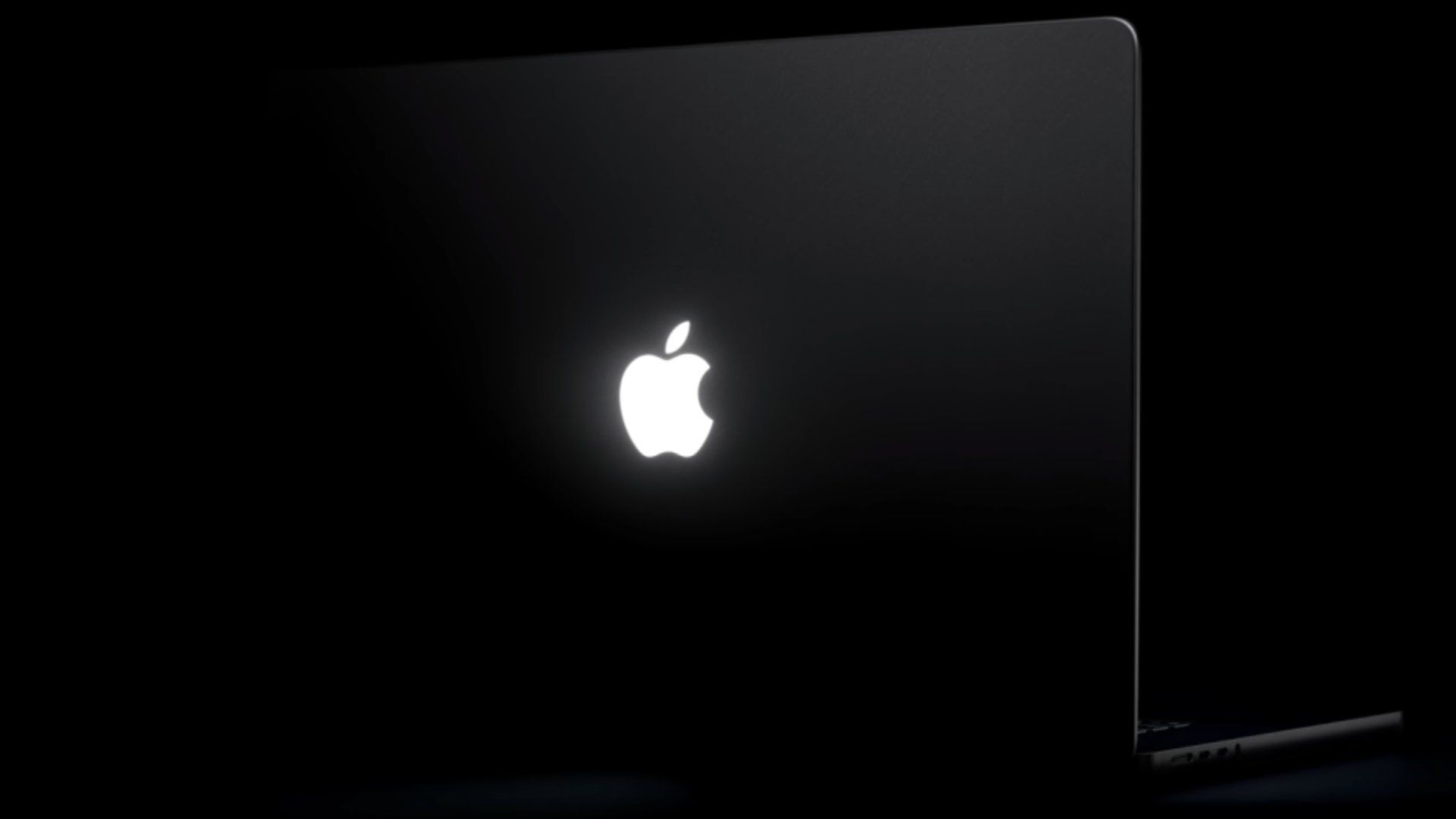
Glowing Apple logo on MacBook Pro: how to turn it off with one Terminal command

Apple's support article shows how to turn off the glowing Apple logo on the 2026 MacBook Pro with PROLED XDR Display using one Terminal command.

I’m a believer in Touch after using Apple’s new PROLED MacBook Pro

Macworld Apple’s new MacBook Pro with PROLED XDR Display isn’t just the best display ever put in a laptop. It’s also Apple’s first-ever touchscreen in a Mac and the first...

Glowing Apple Logo Returns for PROLED MacBook Pro

The iconic Apple Logo will be returning to MacBook Pro models, with the newly announced MacBook Pro with PROLED XDR Display and touch capabilities. The first time the glowing logo was introduced...

'Backglow' Lets You Customize New MacBook Pro's Glowing Apple Logo

A new "Backglow" app created by designer Juan Buis lets you customize the illuminated Apple logo on the lid of the new MacBook Pro models. The free version of the app allows you to manually adjust...

Coverage dates

First reported:

First saved on ClustZ:

Coverage updated:

We use cookies to improve your experience and analyze site traffic. By clicking "Accept", you agree to our use of cookies. See our Privacy Policy.