

About Contact

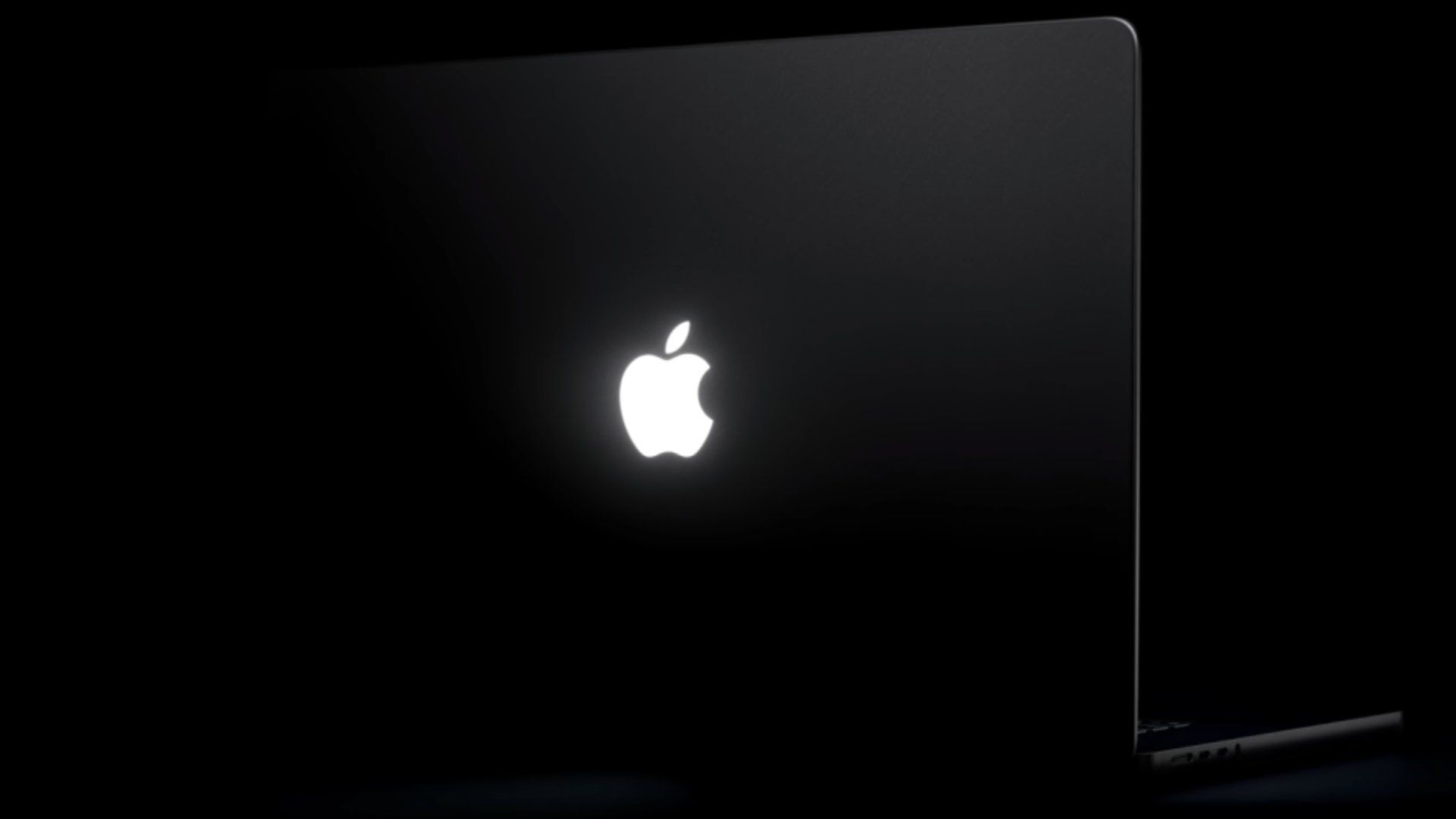
Discover How to Control the New MacBook Pro's Glowing Apple Logo

Discover How to Control the New MacBook Pro's Glowing Apple Logo

'Backglow' Lets You Customize New MacBook Pro's Glowing Apple Logo

A new "Backglow" app created by designer Juan Buis lets you customize the illuminated Apple logo on the lid of the new MacBook Pro models. The free version of the app allows you to manually adjust...

How to dim or turn off the glowing Apple logo on the new MacBook Pro

Apple has returned the glowing white Apple logo to the lid of the new MacBook Pro with PROLED XDR. It's not in Settings, but there's a way to turn it off.Why wouldn't you want this glowing Apple...

Users can turn off the new MacBook Pro’s illuminated Apple logo

Apple has confirmed that owners of the new MacBook Pro with PROLED XDR Display can disable the machine’s illuminated Apple logo, which lights up on the lid whenever the laptop is awake.⁠ The logo,...

Control the Glowing Apple Logo on Your New MacBook Pro

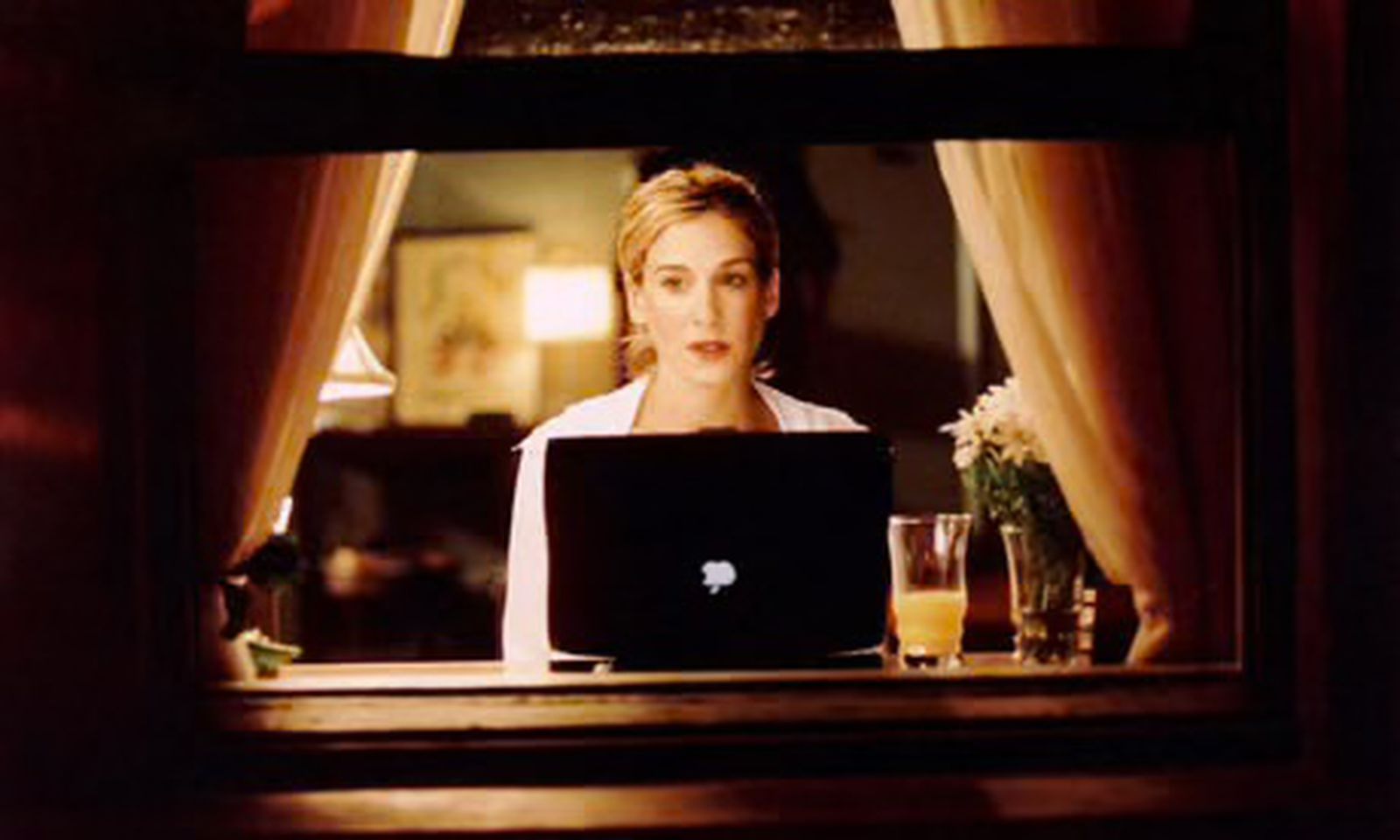
Once a common sight in lecture theaters and coffee shops everywhere, the glowing emblem of an Apple logo featured on the lids of many Mac laptops launched in the early 2000s. In a nice touch, the...

Apple explains how to turn off the new MacBook Pro’s glowing logo

While the illuminated Apple logo on the new MacBook Pro drew one of the biggest cheers during last week’s announcement, Apple knows that not everyone will want to keep it on. Here’s the company’s...

Apple’s new glowing logo on the MacBook Pro has a hidden on-off switch

Macworld With the MacBook Pro with PROLED Display, Apple returned the Apple logo to its former glory, switching from shiny aluminum to one that lights up and glows again....

Apple Support: ‘About the Illuminated Apple Logo on MacBook Pro With PROLED XDR Display’

Apple Support: To make the Apple logo dark in all lighting conditions, you can turn off its illumination using Terminal, which is in the Utilities folder of your Applications folder. You can...

Coverage dates

First reported:

First saved on ClustZ:

Coverage updated:

We use cookies to improve your experience and analyze site traffic. By clicking "Accept", you agree to our use of cookies. See our Privacy Policy.