About Contact

Unlocking the Secrets of the MacBook Pro's Glowing Logo: Control, Customize, and More

Unlocking the Secrets of the MacBook Pro's Glowing Logo: Control, Customize, and More

This Mac App Lets You Control the Glowing Apple Logo on Your MacBook Pro

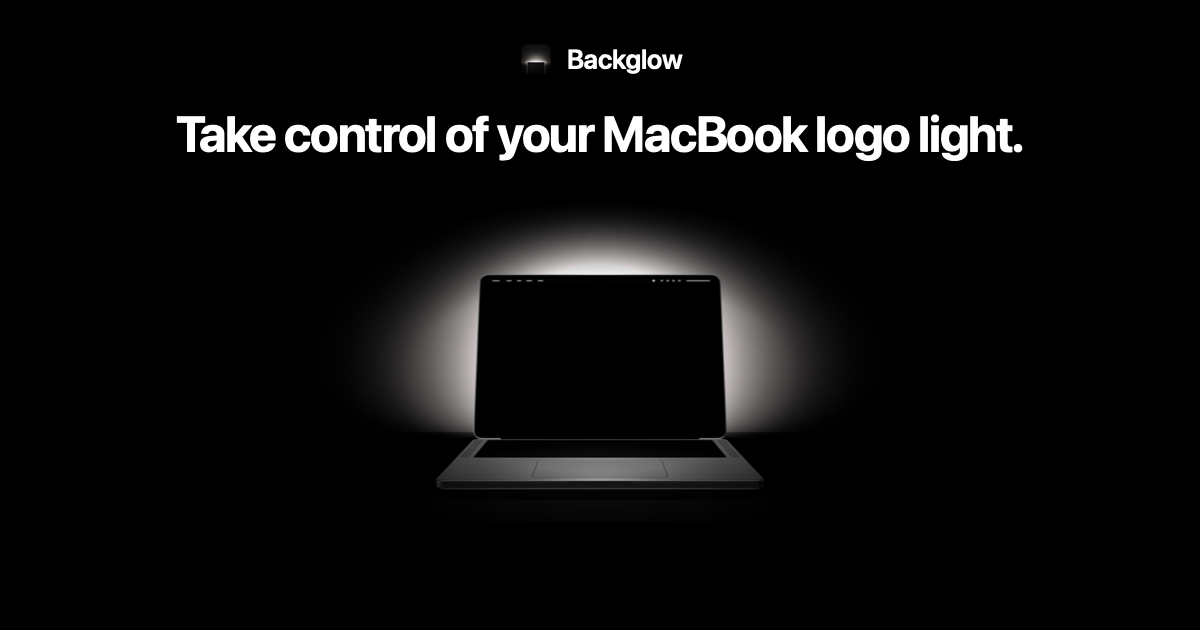
Backglow lets you customize the new MacBook Pro's glowing Apple logo with brightness controls, music syncing, lighting effects, and more personalization options.

New ‘Backglow’ app gives users full control of new MacBook Pro’s glowing Apple logo; off/on, music visualizer, battery status, and more

With the new "Backglow" app, users can control the new MacBook Pro’s illuminated Apple logo Apple’s return of the illuminated Apple logo on the latest MacBook Pro models (those with the PROLED XDR...

You don't need Terminal to turn off the lit-up Apple logo

I promised in the forums that it would take the weekend for there to be an app to control the MacBook Pro Apple logo light, and true enough, here it is. According to the developer, Backglow allows...

Backglow lets you dim the MacBook Pro's glowing logo, and $9 syncs it to music

Backglow is a free Mac app that dims or turns off the MacBook Pro's glowing Apple logo. A $9 Pro upgrade pulses it to music or blinks when Claude Code needs you.

Apple’s new glowing logo on the MacBook Pro has a hidden on-off switch

Macworld With the MacBook Pro with PROLED Display, Apple returned the Apple logo to its former glory, switching from shiny aluminum to one that lights up and glows again....

Glowing Apple logo on MacBook Pro: how to turn it off with one Terminal command

Apple's support article shows how to turn off the glowing Apple logo on the 2026 MacBook Pro with PROLED XDR Display using one Terminal command.

Coverage dates

First reported:

First saved on ClustZ:

Coverage updated:

We use cookies to improve your experience and analyze site traffic. By clicking "Accept", you agree to our use of cookies. See our Privacy Policy.